

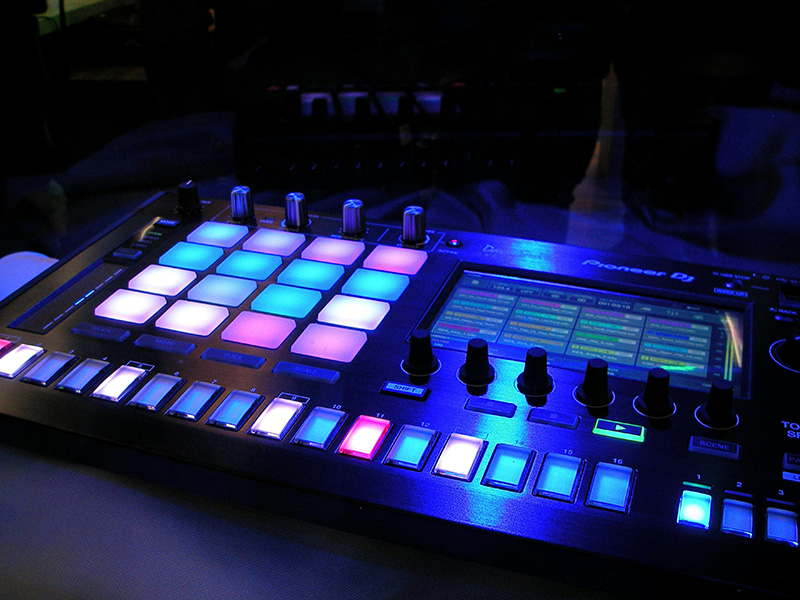
AV solutions always involve control systems: ways of managing and automating equipment operations. Typical AV control systems are a single interface like a touch panel, app or keypad.
Control systems allow users to run multiple components seamlessly, such as:
- TVs and projectors
- Speakers and audio systems
- Video conferencing tools
- Lighting, shades and blinds
- Room scheduling
- Microphones and cameras
- Sources (laptops, media players, wireless casting)
Instead of controlling each device separately, a central system unifies them under one interface.
Key control system features
- Touchscreen or tablet interfaces
- Automation scenes like “Start Meeting,” “Dim Lights,” “Lower Projector,” “Turn on Audio”
- Remote management so IT or administration can monitor and troubleshoot the AV system
- Scalability (the ability to grow from a single room to an entire campus, for example)
Why control systems matter:
Control systems for audio visual equipment reduce technology barriers so meetings, lessons and presentations can start on time and run smoothly. They also minimize user error, improve efficiency, and allow the management of several rooms simultaneously from a remote location.
Picking the right control system for your Columbus AV setup
Picking the right AV control system involves asking a lot of questions.
- What types of rooms are you outfitting? (conference rooms, classrooms, auditoriums, multi-purpose spaces)
- Do you need control for audio, video, lighting, shades, conferencing or all of the above?
- Will users control the system themselves, or will it be centrally managed by your IT or AV staff?
List all your AV devices (projectors, screens, microphones, speakers, video switchers, etc.) and their connection types (HDMI, USB-C, Dante audio, etc.). Then ask: Do any of the brands require special compatibility (e.g., Cisco, Zoom, Microsoft Teams Rooms)?
- Who are your users? Will they need a simple interface like a “Start Meeting” button?
- Do you want touch panels, wall keypads, apps, or?
- Do you want preset scenes like those listed above?
- Do you need remote management, support or monitoring?
- Does your IT team need API access or custom integration?
Your system complexity will help determine what control system is best
Is your Columbus space a small room with basic needs, a corporate/EDU space with some automation, an enterprise-scale or custom UI, or a hybrid space? We recommend different control system solutions for each scenario.
Midwest Audio Visual can help you find the best control system for your needs. Choosing your control system is part of our design process.